The bleep sound effect for swearing: what it is and how to place it right
The bleep sound effect is the most recognisable sound in broadcasting, and one of the simplest. If you came here for a censor bleep to drop over a swear word, you can download one or make one in about thirty seconds. Both are below, along with the part almost nobody writes about: a badly placed bleep sounds worse than the word it hides.
The short version: it is one steady, pure tone, you should generate it quieter than you think, and timing matters more than the file.
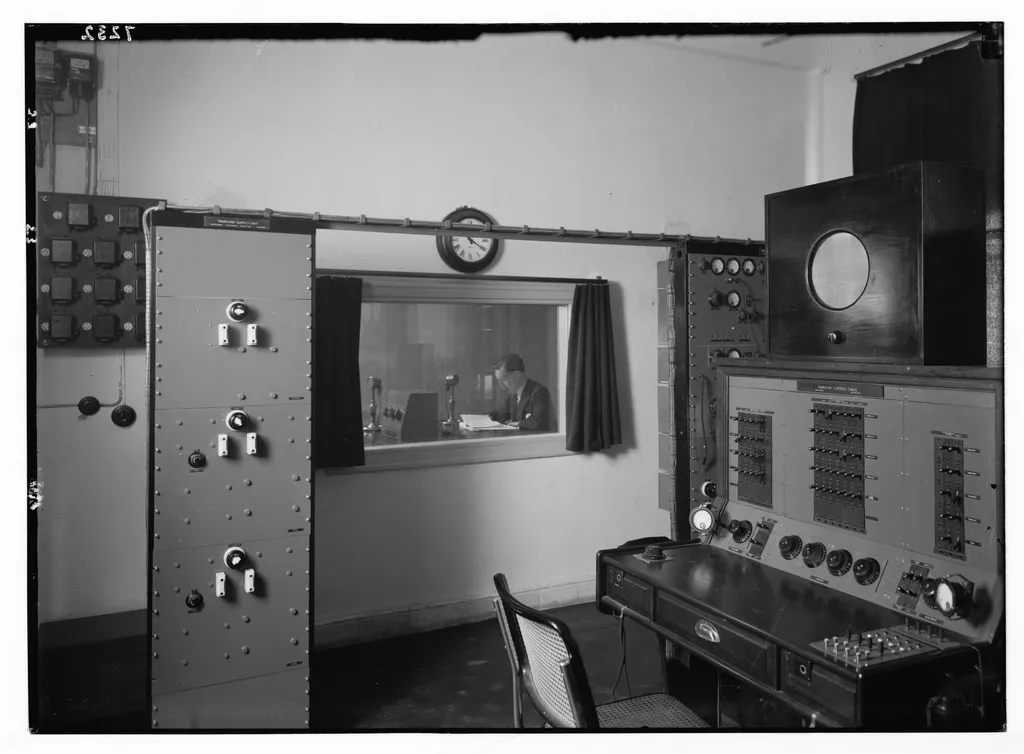
What the censor bleep actually is
One steady, pure tone. No texture, no effects, nothing in the sound to vary, which is why every bleep on every channel sounds identical. Wikipedia describes it as “usually a 1-kilohertz sine wave”, and free libraries tend to file theirs under “1000 Hz beep” for the same reason.
There is no official standard behind it. The tone was already sitting on the mixing desk. Matthew Jordan, a media studies professor at Penn State, wrote the best account of this: engineers “had long used the 1000 hertz sine wave tone to test equipment connections, so it was at their fingertips”, so when they needed something to cover a word live, they reached for the test tone. By the mid-1960s the FCC was using “bleep” as a verb.
You will read on plenty of pages that the pitch was chosen because it is where human hearing is most sensitive. It is not. The ear is actually most sensitive to pitches noticeably higher than the bleep. The bleep’s tone is the standard reference that loudness measurements are built around, which is exactly why a generator for it sat on every desk. It also lands in the middle of the range where spoken words live, so it happens to be very good at hiding consonants. Right tool, wrong story.
Make your own bleep sound in Audacity
This is our honest recommendation over downloading one. It takes thirty seconds, the tone is exactly the length you need, and there is no licence to think about.
- Open your recording in Audacity and drag-select the word.
- Go to Generate > Tone.
- Waveform Sine, frequency 1000, amplitude around 0.3, not the default 0.8.
- Click Generate. Audacity fills your selection with tone, exactly edge to edge.
The amplitude number is the one that matters. Audacity defaults to 0.8, but 0.8 is close to the loudest the file can go, far louder than anyone talks. The Audacity moderators say it plainly on their forum: the tone does not have to be loud. Start low, play it back against the surrounding speech, and nudge up only if the word still leaks through.
Any editor with a tone generator does the same thing. If you are already in a video editor, we have separate guides for Premiere Pro, DaVinci Resolve and CapCut.
Free bleep sound effect downloads, and what each licence actually says
If you would rather grab a file, the sound is easy to find. The licence is the bit people skip, and it changes site by site. Here is where the big free libraries stood when we checked in August 2026.
-
Pixabay: no credit needed, commercial use allowed. The only real restriction is that you cannot resell or redistribute the sound on its own, for instance inside a sound pack.
-
Freesound: the licence is set per file, not per site. Some sounds are CC0 (do anything), some are CC BY (credit the creator, commercial is fine), and some are CC BY-NC, which means credit plus no commercial use. A monetised video is commercial use, so check the badge on the individual sound before you download.
-
ZapSplat: free downloads are MP3 only and require a visible credit to ZapSplat, in your description or end credits. Paying removes the credit requirement.
-
SoundJay: free for commercial and personal projects, credit appreciated but optional. Do not re-host the files anywhere.
None of that is complicated once you know it. You just have to go digging for it.
How to place a bleep so it does not sound amateur
Nearly every bad bleep is a timing or level problem, not a sound problem. These are our own working defaults, not a broadcast standard.
-
Start a hair early. Begin the tone 30 to 50 milliseconds before the word. The first consonant is the part that gives a swear word away, and if the bleep lands late you hear it.
-
Cover the whole word, then stop. Run 30 to 50 milliseconds past the end and no further. A one-second stock beep dropped over a short word eats the start of the next word, and that sounds sloppier than swearing.
-
Fade in and out. 5 to 10 milliseconds at each end. A tone that snaps on at full volume clicks, and you will hear it on headphones even if you do not on speakers.
-
Match the loudness of the speech. Level the tone at or slightly under the dialogue around it. Loudness normalisation on Spotify pulls the whole programme to a target, so a bleep mixed much louder than the voice stays exactly that much louder than the voice.
-
Mute the speech underneath. A bleep laid on top of the word is not censorship, it is a duet. Cut or silence the original audio for the same span.
If the tone still feels harsh, ask whether you need a tone at all. Silence is quieter and less annoying on repeat. Bleep when you want the audience to know a word was removed, go silent when you want the sentence to flow. We went deeper on that in bleep, silence, or quack.
One more honest note. A bleep is a courtesy signal, not redaction. A pure tone is trivial to detect and strip with a script, and captions made from the original audio will happily spell out the word you just covered. If the content is genuinely sensitive, cut it.
Or skip the timeline
All of the above is what we automated. Instableep runs in the browser, transcribes your audio or video, and lets you pick target words from a default curse-word preset or your own lists. It ships with the classic bleep, a brighter variant, silence and a handful of joke sounds, and the volume, fade and margin controls are exactly the knobs this post says matter. Paid plans take a custom bleep sound if you have one you like better. For one word in one file, Audacity is still faster. For a forty-minute episode with thirty of them, it is not.
Try Instableep for free, with 20 minutes of transcription a month, no card, and a watermark on free exports.