How to remove curse words from an audio file (without wrecking the timing)
You have an MP3, a WAV, or a voice memo with swearing in it, and you searched for a swear word remover. Fair enough. But before you remove curse words from an audio file, one thing worth knowing: “remove” is almost never what you actually want. You want the words gone and the file otherwise untouched, and those are different jobs.
This post is about spoken audio: interviews, raw podcast tracks, phone recordings, the Zoom export you have to send to a client. If yours is a video, start with how to bleep out words in a video. If it is a song, this is the wrong page, and so is our tool.

Why “remove” is the wrong verb
If you literally delete a word, the file gets shorter and everything after it slides earlier. On a lone voice memo nobody notices. On anything else, things break: the video it was recorded alongside drifts out of sync, the other tracks in your session stop lining up, chapter markers and show-note timestamps point at the wrong moment, and the ad you dropped in at 12:00 now lands mid-sentence.
Live TV already handles it this way: broadcasters mute the word in place, so the running time never changes. That is what you want too: the same file back, same length, with the offending half-second replaced by silence or a tone. Every method below does that. Nothing here cuts.
Mute the swear words, or bleep them?
An editorial call, not a quality one.
-
Bleep when the audience should know a word was there. Comedy, casual interviews, anything where the missing word is part of the moment. The classic bleep is the standard TV censor beep, and it lands better a touch quieter than you think, because a full-volume tone is the loudest thing in a spoken-word file.
-
Silence when the recording should read as if the word was never said. Corporate, legal, education, client deliverables. It is what live broadcast does, so it is the professional default, not the cheap one. The catch: a hard mute sounds like a dropout, and a listener may assume the file is damaged. A few milliseconds of fade on each edge fixes that.
-
Not reversal. A reversed f-bomb is still perfectly recognisable, and it sounds like a mistake.
Pick a threshold too (the f-word and up is the usual line) and hold it across episodes. Consistency matters more than where you drew the line.
Do you actually need to censor it?
If the file is a podcast episode, maybe not. Apple’s content guidelines say creators “must flag individual episodes with the ‘Explicit’ tag if they contain explicit content”, and profanity is their first example. That is a checkbox in your host, it costs nothing, and for a lot of shows it is the whole answer. Apple even asks you not to asterisk swears in titles and descriptions: spell them out, Apple censors explicit words in titles itself.
The honest reasons to bleep anyway: a workplace or classroom audience, a client who asked, a sponsor read, a clip you will repost somewhere stricter, or your own taste. “Am I allowed” usually is not one. More in how to censor a podcast episode.
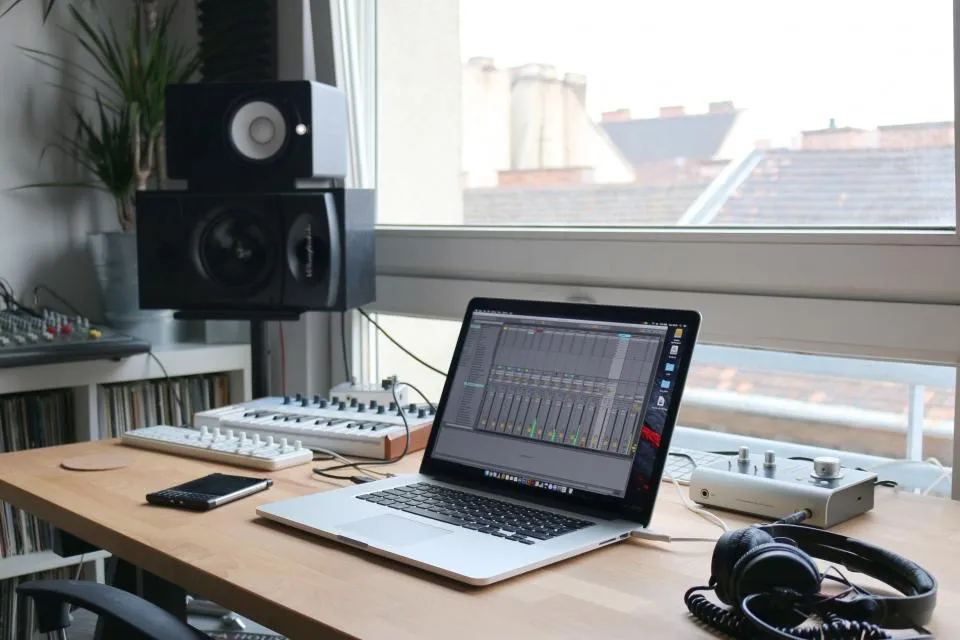
The manual way: Audacity
Audacity is free, and for a voice memo with two swears in it this is the right way. It takes five minutes and nobody needs a subscription for that.
- Find the word. Play, zoom in, drag a tight selection over just the word. Include the first consonant; a leaked “f” before the beep is the most common amateur tell.
- Mute it in place with Edit > Remove Special > Silence Audio (Ctrl+L). Or bleep it: Generate > Tone, waveform sine, frequency 1000, amplitude around 0.3, not the default 0.8. Audacity replaces the selection with the tone, so, in the manual’s words, “the total length of the selected track(s) will remain the same”.
- Soften the edges. Select a few milliseconds at the start of the bleep, Effect > Fading > Fade In, then Fade Out at the end. That kills the click.
- Repeat for every word, then listen to the whole thing back, because you will have missed one.
- Export in the format you started with.
Where the manual way stops making sense
Do the arithmetic. A 45-minute interview with 30 swears means finding each one by ear, selecting it tightly, generating, fading, checking, then a full listen-back. Call it a minute or two per word once you have a rhythm. That is an evening, and you will do it again next week.
That is the case for the automatic route: the tool transcribes the file with a timestamp on every word, you tick the words you want gone, it mutes or bleeps them in place, and you export a file of the same length. Ten minutes of attention instead of a hundred.
If you want a free swear word remover online, SnipSound runs entirely in the browser and never uploads your file, at the price of your own machine doing the work, so it suits short clips on a decent laptop. Instableep, which we build, takes the cloud route: MP3, WAV, M4A, FLAC or AAC in, a transcript in 100+ languages, a default curse-word preset plus your own words, the classic beep or silence (or something sillier), and sliders for volume, fade and margin. Long files and phones work because your device is not doing the transcription. Free is 20 minutes a month with a watermark on the export; $4.99 buys 60 minutes that never expire and removes the watermark for good. How to censor audio online compares the browser tools.
What auto-detection gets wrong
Speech recognition is very good and not perfect, and no default word list matches your idea of profane. Expect it to trip on names that sound like swears, partial words, crosstalk, heavy accents, bad phone audio, and the one word your guest uses that no list contains. It will also flag things you wanted to keep.
So the tool matters less than the review step. Read the transcript around the rough parts, check the flagged list, untick anything it got wrong, and listen to every bleep before you download. A missed word ships uncensored, under your name. Five minutes of checking is still a lot less than an evening in Audacity.
If you would rather skip the editor altogether, the online swear word remover does the finding for you.
Try Instableep for free, 20 minutes of transcription a month, with a watermark on free exports.